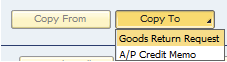
Can a Credit Memo be created from a closed A/R Invoice?
Yes. This is a standard SAP Business One feature.
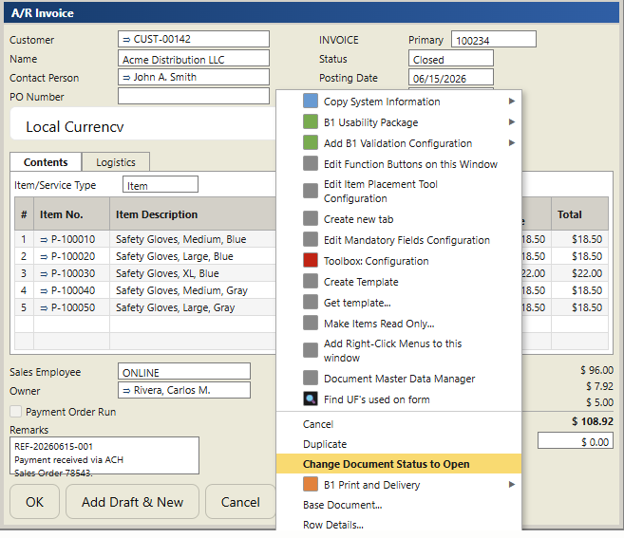
If an A/R Invoice has already been fully paid, the document status is typically Closed. Before you can create a related Return Request, A/R Credit Memo, or use the invoice as the base document, you must first re-open the invoice.
To do this:
The invoice status will change from Closed back to Open.
This scenario commonly occurs when a customer pays an invoice in full and later returns the item for credit. Re-opening the invoice allows the return or credit process to be completed using the original document as the base.
Once the A/R Invoice has been re-opened, you can copy it to either:
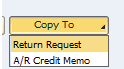
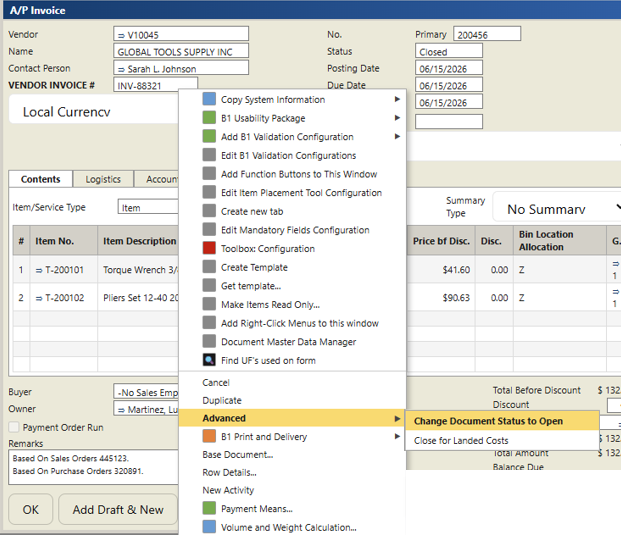
The process for A/P Invoices is very similar.
To re-open a closed A/P Invoice:
After the A/P Invoice has been re-opened, you can create:
using the original A/P Invoice as the base document.